
Support Resources
Find public manuals, guides, coverage documents, ECU references, software packages and videos for Blackbox products.
Manuals
User manuals and handbook-style product documentation.
Nanocom Evolution Quick Setup Guide
Initial set up guide for the Nanocom Evolution
Nanocom Defender Puma 2.4 and 2.2 EMS and IPAC User Guide
Nanocom Defender Puma 2.4 and 2.2 engine and Instrument pack user guide (07-14)
CAN-Mate SRT
This document provides the a user guide for the CAN-Mate SRT.
EAS Kicker
The user guide for our small portable air suspension tool, the EAS Kicker.
Faultmate FCR
Faultmate FCR's user guide.
EAS Kicker Lite
The user guide for Blackbox BasicBits: EAS Kicker Lite.
BeCM Sync-Mate
The user guide for Blackbox BasicBits: BeCM Sync-Mate.
CAN-BLOCK
CAN-Block's user and installation guide.
Nanocom Evolution Software + Hardware manual
A user guide regarding all of the software and hardware features of the Nanocom Evolution, covering everything from power supplies to software updating.
Guides
How-to guides, setup notes, tutorials and instructions.
FCR Firmware and Licence updater User Guide
Version 1.4
Function Locked Error
Reasons for receiving the message and how to resolve it.
TD5 MAP FUNCTION Nanocom Evolution
TD5 map utility guide for Nanocom Evolution
SD Card Formatting
Instructions on formatting the SD card and creating the required CAN BUS folders using the new BBS App
Instrument mode
Functions that are available in Instrument mode for each model.
Steering Wheel Conversion Kit - Information / Installation Instructions
This document provides information and installation instructions for the Steering Wheel Conversion Kit.
CSV Viewer Guide
This is the CSV Viewer Guide that contain the functionality description of the CSV Viewer.
Faultmate FCR User Guide Annex - Important Notice For Range Rover P38 users
Important Notice For Range Rover P38 users.
CAN-LOCK Installation Guide
The installation Guide for CAN LOCK.
Nanocom One User Guide
This is the user manual for the original (grey case) Nanocom One unit
Freelander 2 key programming
Freelander 2 key programming Guide
Videos
External YouTube support videos.
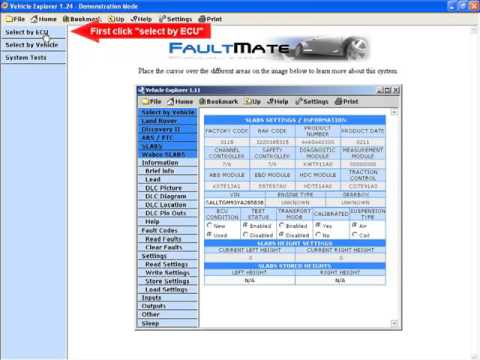
Menu Navigation by ECU
This video shows how to navigate the Vehicle Explorer menu to directly select a vehicle system by ECU type and name.
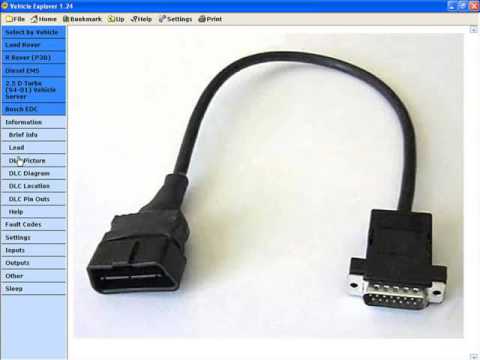
Help & Information Pages
This video explains and demonstrates the use and functions of the Help and Information pages.
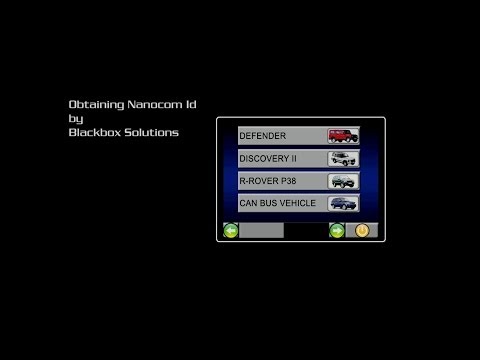
Step 1: Obtaining Nanocom ID
Instructions for obtaining the Nanocom ID for registration
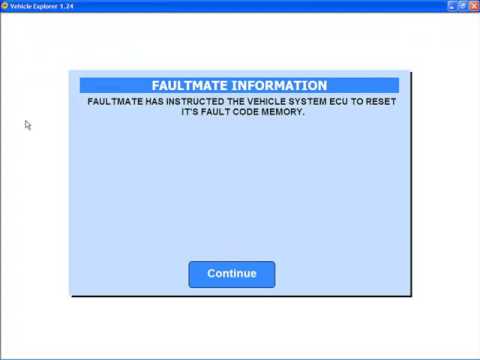
Reading & Clearing Fault Codes
This video explains and demonstrates the use and functions of the Fault Code reading and clearing features.
Step 2: Registering a new Nanocom user
How to register your Nanocom using your ID obtained from the unit.

Step 3: Obtaining unlock codes
Login to your Nanocom account and retrieve unlock codes to activate your tool.
Settings
This video explains and demonstrates the use and functions of the Settings pages.
Step 4: Storing unlock codes
The complete process for storing unlock codes.
Inputs
This video explains and demonstrates the use and functions of the Inputs pages.
Firmware Upgrade Video
Instructions for installing the latest updates, this can also be useful for adding the latest functionality or for restoring the firmware.
Outputs
This video explains and demonstrates the use and functions of the Outputs pages.
Range Rover P38 - MSV-2 Extreme - Stand Alone
This video shows a MSV-2 Extreme being used on a Range Rover P38 in Stand Alone mode rectifing and air flow meter fault.
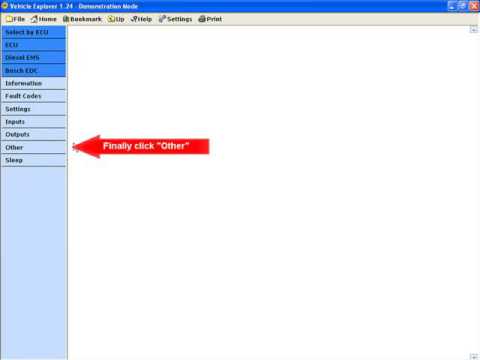
Other Functions
This Video explains and demonstrates some examples of the features contained in the "Other" section of the menu.
Discovery 3 height calibration
This video shows height calibration settings being adjusted on a discovery 3.
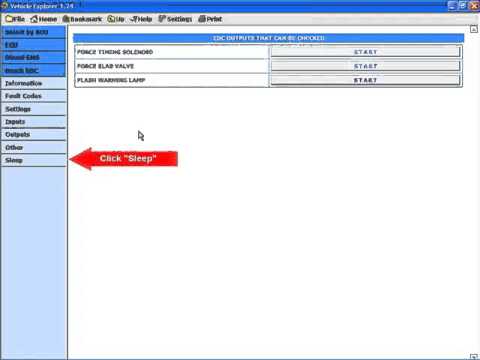
Sleep/Close
This video explains and demonstrates the use and functions of the Sleep/Close page of the menu.
Range Rover P38 - MSV-2 Extreme - Air Suspension
This video shows a MSV-2 Extreme being used on a Range Rover P38 rectifing an air suspension fault.
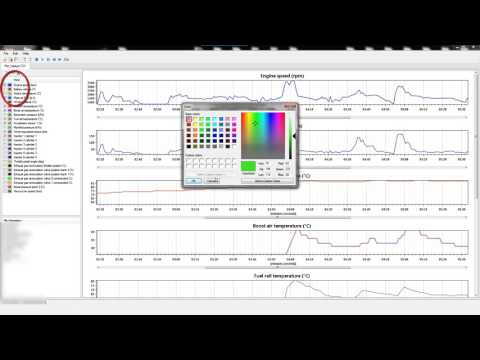
CSV Viewer Video Tutorial
This program allows you to plot recorded Nanocom CSV data into meaningful graphs for easy observation. It also allows graphs to be compared to each other so that input behaviors can be correlated.
Licensing
This video explains and demonstrates how to activate the License of a software module.
RR P38 - EAS Kicker
This Video shows an EAS Kicker being used on a Range Rover P38 Air Suspension System.
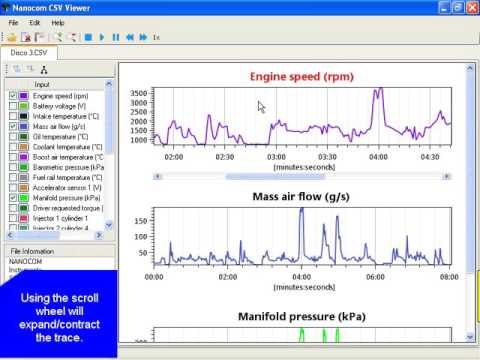
CSV Viewer Instructional Video
Instructional Video how to use the NANOCOM CSV Viewer.
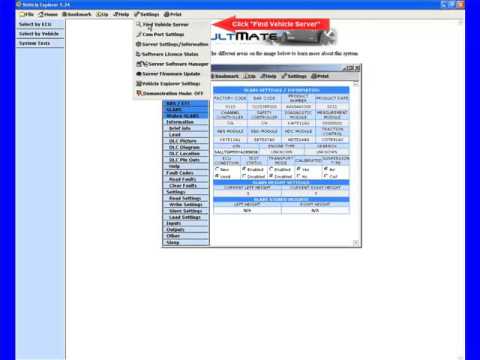
Find The Vehicle Server
This video explains and demonstrates how to use the find Vehicle Server function.
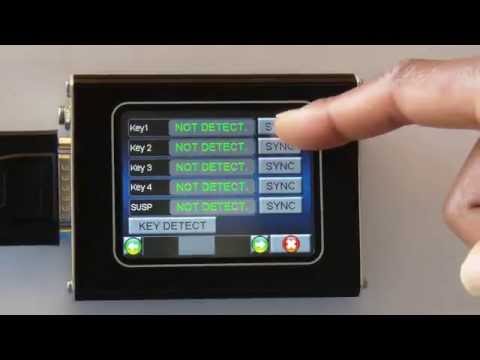
Key (Plip) program for a Discovery 2
Tutorial for programming keys to the Discovery 2
Sync Mate
This video explains and demonstrates how to use the Sync Mate.
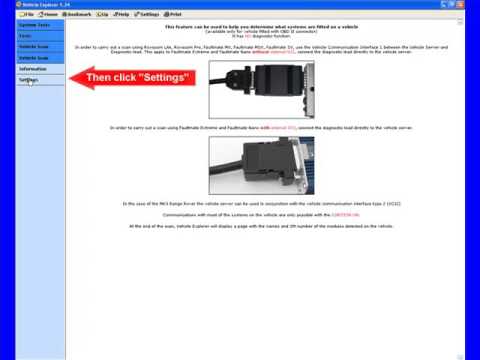
Vehicle Scan
This video explains and demonstrates how to perform a Vehicle scan to identify the systems on board a vehicle that have diagnostic communication capabilities.
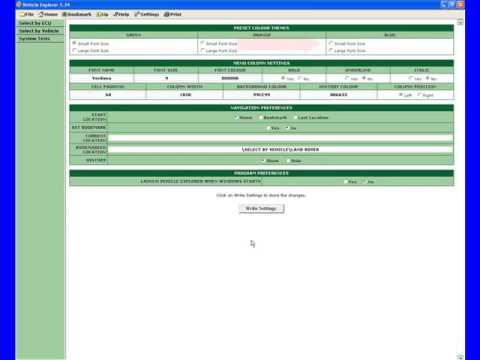
Changing Preferences
This video explains and demonstrates how to change the preferences of the Vehicle Explorer software.
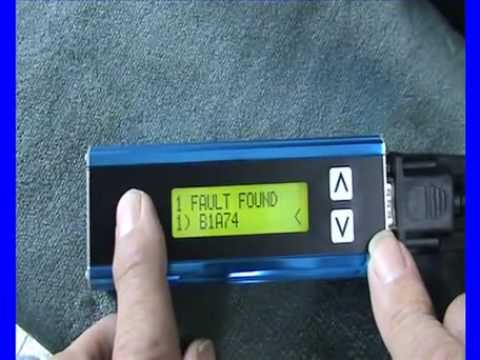
FAULTMATE FCR Disco 3 Demo
This clip Shows the Faultmate FCR being demonstrated on a Discovery 3.
Flash File Download
Demonstration of the Nanocom Evolution flash capabilities. This video shows how simple and easy it is to flash the software of a CAN BUS vehicle in collaboration with our Genesis website.
CAN-Mate SRT
This video explains and demonstrates how to use the CAN-Mate SRT.
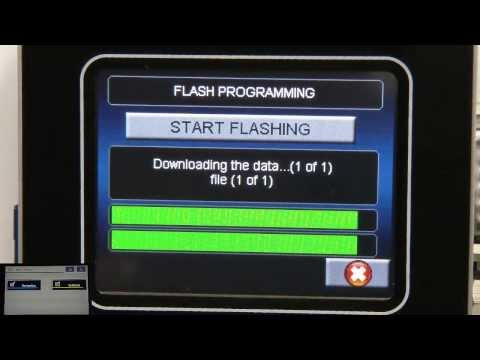
CCF edit
Demonstration of the Nanocom Evolution CCF Edit capabilities. This video shows how simple and easy it is to edit the software of a CAN BUS vehicle in collaboration with our Genesis website.
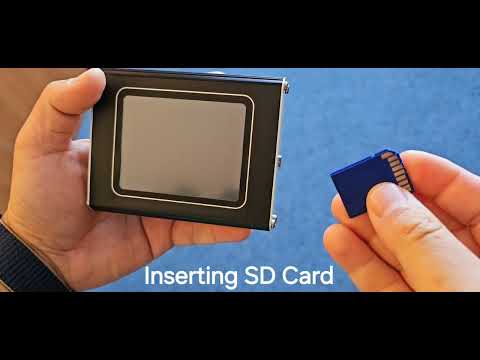
Cover and SD Card
Short video tutorial on how to remove the protective cover and how to insert the SD card into the Nanocom unit.
Cover and SD Card
Short video tutorial on how to remove the protective cover and how to insert the SD card into the Nanocom unit.
Flashing an ECU - 4X4 info
This demonstration shows how easy it is to flash an ECU with the software loaded on an SD Card from our Genensis website, usefull when updating the CCF or loading current software to a corrupt ECU or updated software.
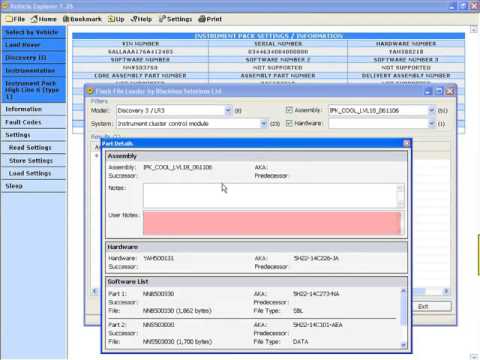
Flash File Loader
This video explains and demonstrates how to use the Flash File Loader.
Kicker Lite
This video explains and demonstrates how to use the Kicker Lite.
Sync Mate
This video explains and demonstrates how to use the Sync Mate.
CAN-LOCK demonstration
Electronic block for the Keyless Vehicle Module.
Coverage
Vehicle, function and product coverage reference material.
Range Rover L322
This page will show you the applicable Software Modules for the Range Rover L322.
Range Rover Sport
This page will show you the applicable Software Modules for the Range Rover Sport.
Range Rover P38
This page will show you the applicable Software Modules for the Range Rover P38.
Range Rover Classic
This page will show you the applicable Software Modules for the Range Rover Classic.
Discovery 3 - LR3
This page will show you the applicable Software Modules for the Discovery 3 - LR3.
Discovery 4 - LR4
This page will show you the applicable Software Modules for the Discovery 4 - LR4.
Discovery II
This page will show you the applicable Software Modules for the Discovery II.
Discovery I
This page will show you the applicable Software Modules for the Discovery I.
Freelander I
This page will show you the applicable Software Modules for the Freelander I.
Defender
This page will show you the applicable Software Modules for the Defender.
All MG Rover Cars Except 75 & MGZT
This page will show you the applicable Software Modules for all MG Rover vehicles except the 75 and MGZT.
Rover 75 & MGZT
This page will show you the applicable Software Modules for Rover 75 & MGZT.
Faultmate FCR
This page will show you which systems are covered in each version of the Faultmate FCR.
Nanocom Evolution CAN-BUS Functions + Coverage manual
A comprehensive coverage manual for all CAN-BUS related features of the Nanocom Evolution.
Nanocom Evolution Legacy vehicles Functions + Coverage manual
A comprehensive coverage manual for all legacy vehicle features of the Nanocom Evolution
Nanocom Leads Summary
Details for Nanocom Evolution OBD leads.
ECU
ECU, module and system-specific reference material.
BeCM Sync-Mate
This document provides information on Blackbox BasicBits: BeCM Sync-Mate.
ECU Flashing Guide
This guide contains general information about the ECU Flashing Procedure, basic steps and various details that will aid the users to safely and successfully reprogram their ECUs.
LUCAS TD5 DIAGNOSTIC
ECU guide for TD5 engine management. See separate MAP guide
LUCAS 10AS ALARM Nanocom Evolution
ECU guide 10AS Alarm Defender TD5 and Puma
WABCO D TYPE _DEFENDER
ECU guide for Wabco D ABS system on Defender TD5 and Puma
VALEO BCU _DISCO II
ECU guide to Valeo BCU Disco II
WABCO SLABS
ECU guide for the ABS-SLS (SLABS) Discovery II
TRW SPS _TYPE 2A_DISCO II
ECU guide to SRS Airbag Disco II
LUCAS ACE
ECU guide for the ACE system Discovery II
P38 BOSCH EDC Nanocom Evolution
ECU Guide for Diesel Engine Management (P38)
P38 GEMS Nanocom Evolution
ECU guide to GEMS ecu on P38
BOSCH MOTRONIC V8
ECU guide for the Motronic P38 and Discovery II Petrol version
P38 BECM
ECU guide for BeCM on P38
LUCAS EAS _P38
ECU guide for Electronic Air Suspension system on P38
WABCO C TYPE _P38
ECU guide for Wabco C ABS (P38) Fitted 1994 to 1999
WABCO D TYPE _P38
ECU Guide for the Wabco D ABS (P38) Fitted 1999 onwards
TRW MPS _TYPE 1_P38
ECU guide for the TRW MPS Airbag (P38) fitted up to 1996 or 1999 on North American Specification models
TRW SPS _TYPE 1_P38
ECU guide for the TRW SPS Type 1 Airbag (P38) Fitted from 1996 to 1999 (non NAS only)
TRW SPS _TYPE 2_P38
ECU guide for TRW SPS Type 2 Airbag (P38) Fitted all model P38's from 1999 onwards
VALEO HEVAC _P38
ECU guide to the Valeo HEVAC (P38)
BOSCH AUTO BOX GS2_38_P38
ECU guide to Auto Box 2.38 (P38) - Petrol up to 1999 - Diesel up to 2002
BOSCH AUTO BOX GS8_87_1_P38
ECU guide Auto box 8.87 (P38) - Petrol 1999 onwards
BOSCH AUTO BOX GS8_87_0_Disco II
ECU guide for the Bosch Autobox GS8_87_0 Discovery II
ALM
ECU guide ALM Defender Puma
HELLA CRUISE CONTROL
ECU guide for the Hella Cruise Control P38 - 1999 onwards Petrol P38 models only and Motronic Discovery II models
Software
Installers, firmware, updates and software packages.
FCR Updater Version 1.11
Used for all P38 models, Defender 07 - 10 and Range Rover L322 02 - 09.
Firmware for EAS Kicker
Software for flashing the firmware of an EAS Kicker and enabling the enhanced functionality (EKU01 purchase required)
USB to RS232 Drivers
Drivers for USB to RS232 lead (AC006).
FCR Updater Version 4.4
For Freelander 2 and all other CAN BUS vehicles use this Firmware version.
Vehicle Explorer
This document describes some of the additional functions and features of our Vehicle Explorer user interface and menu navigation software, mentioned in MSV-2 above.
Firmware Upgrade Guide
A Firmware Upgrade Guide for Nanocom Evolution MK1 and MK2. It covers the entire process step by step including all the recovery tips and tricks in order to restore a corrupted Nanocom Ecolution.
evo_upgrade_manual
This a copy of the Help file included with the BBS V1.12 and above Upgrade file found in the Restricted area. It is here for reference only prior to downloading the upgrade. You need to extract the file then Open it. If you cannot open it please refer to Microsoft Help on opening a CHM file
NANOCOM Map Wizard installer package
Utility to create TD5 Maps for all Nanocom units. Extract from zip file to use
USB Kernel Mode fix
This file should be used on the original Nanocom Evolution units (plastic case) if the Firmware has not been updated from original. See the Upgrade Help file for further details
SD Card Files
Updated files for the SD card when used on CAN BUS Vehicles only.
CSV Viewer
This program allows you to plot recorded Nanocom CSV data into meaningful graphs for easy observation. It also allows graphs to be compared to each other so that input behaviors can be correlated. <br />Nanocom CSV Viewer has been developed to be simple to use, provide fast, easy and detailed viewing of multiple input recordings from multiple files from within the same application. <br />We hope you enjoy using this program. Please read through the guide to familiarize yourself with its interface.
SD Card App
This is a specially designed App to format the SD card either in the PC/Laptop or in the Nanocom Evolution. It is designed for CAN BUS models but if used for a legacy model will simply add files not required but will format the card for use regardless.
Nanocom Lite PATCH
<strong>If after updating to the latest firmware, there are missing images or a blank screen while in LITE mode, please download and install the this patch. PDF document details on how to install patches via the Nanocom Updater.</strong>
Nanocom One Firmware V.2.11
Firmware upgrade available for the original Nanocom One units (grey case) - NOT to be used on the Nanocom Evolution. Incorrect usage of the files can result in a chargeable repair. This is Firmware Version 2.11 and it's the latest version released for the Nanocom One. In order to transfer the Firmware, a Nanocom Programmer it's required.
Nanocom One PC Software
This software is ONLY for use with the original grey metal cased Nanocom One. It does not work with the Nanocom Evolution.
Nanocom One USB Driver
This USB Driver is ONLY valid for the Nanocom One (metal grey) unit and does not work with the Nanocom Evolution.
Nanocom One Serial Driver
This Serial Driver is ONLY valid for the Nanocom One (metal grey) unit and does not work with the Nanocom Evolution.
Custom Firmware for PICKIT 2 Nanocom One programmer.
Custom Firmware for PICKIT 2 Nanocom One programmer.
Nanocom One Firmware V.2.09
Firmware upgrade available for the original Nanocom One units (grey case) - NOT to be used on the Nanocom Evolution. Incorrect usage of the files can result in a chargeable repair. This is Firmware Version 2.09 for the Nanocom One. To be used in case that you encounter issues with the latest Firmware Version, the 2.11. In order to transfer the Firmware, a Nanocom Programmer it's required.
Nanocom One Software Upgrade Manual
This is the Nanocom One software upgrade manual.
SD card setup tutorial for CCF/Firmware flashing
CCF Tutorial, Screenshots and Video demo of how to setup the SD card for CCF/Firmware flashing.